Is Velvet Visualizer for iPad free?
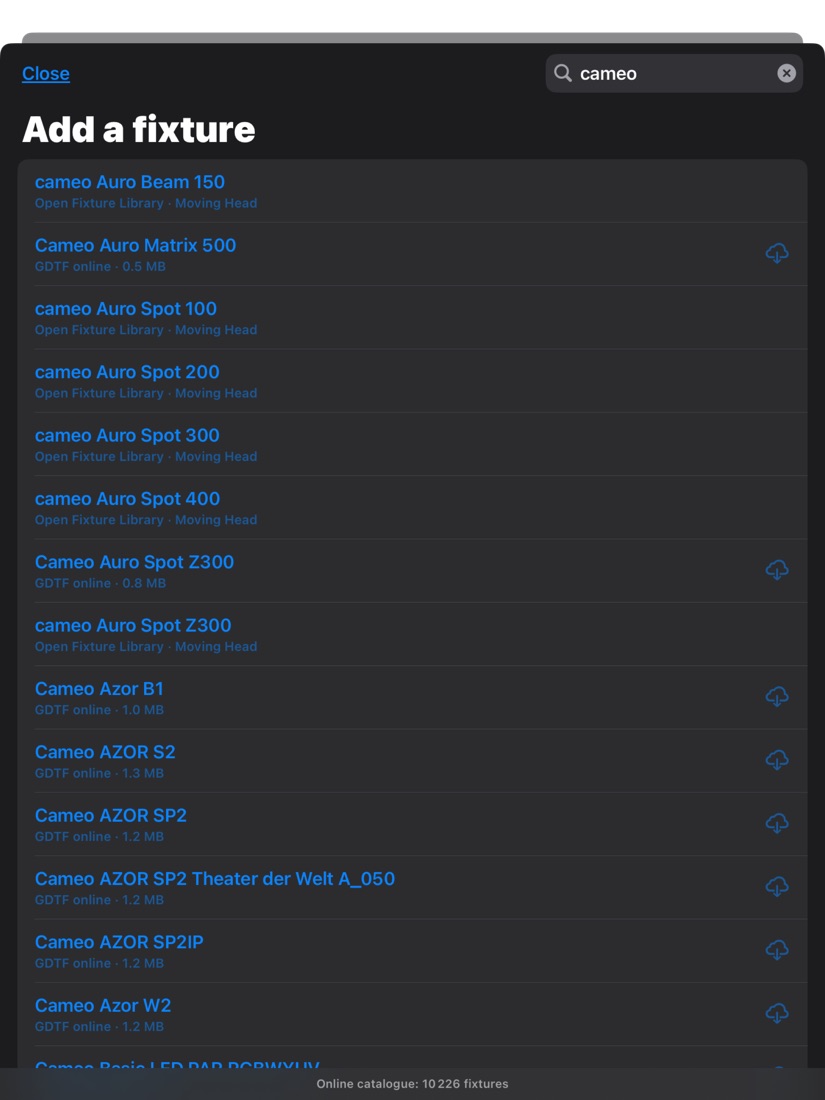
Yes, to start: you can use it for free with up to 6 fixtures per scene and 3 scenes, with no time limit. A one-time in-app purchase of €14.99 unlocks unlimited fixtures and scenes, the online fixture catalogue, GDTF import and scene export. There is no subscription.
Does it work with my lighting console?
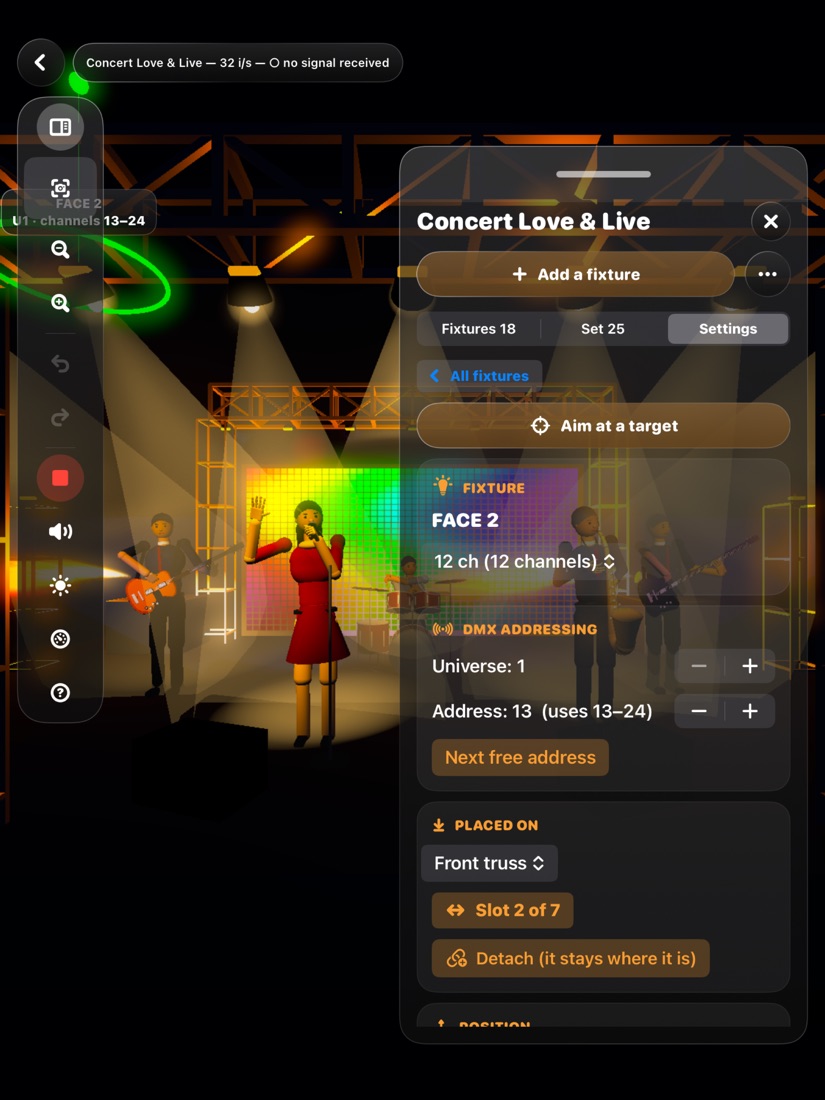
Yes. Velvet Visualizer receives Art-Net and sACN over your local network, so any console or software that outputs Art-Net or sACN (MaestroDMX, SoundSwitch, QLC+, QLab and others) can drive the 3D stage live.
Can I open my Mac scenes on the iPad?
Yes. The iPad app opens and saves the same .velvet files as Velvet Visualizer for Mac. Send a scene by AirDrop, Files or Mail.
Which iPads are supported?
iPadOS 17 or later. It was tested on an iPad 6th generation; recent iPads with more memory should run larger scenes more smoothly.
Do I need an internet connection?
No. Scenes and fixtures already on your iPad work offline. The online catalogue of 10,000+ fixtures needs a connection to download new fixtures.
Is the iPad version the same purchase as the Mac version?
No. The iPad app is a separate purchase on the App Store, and Velvet Visualizer for Mac is sold separately on this site.