macOS · Private Beta
Run your songs, lyrics, stage notes and MIDI cues from one clean Mac app — built for the show, not the spreadsheet.
Control your entire show from one screen.
Songs. Lyrics. Stage notes. MIDI cues. One Mac. One window. One performance.
Songs & Shows
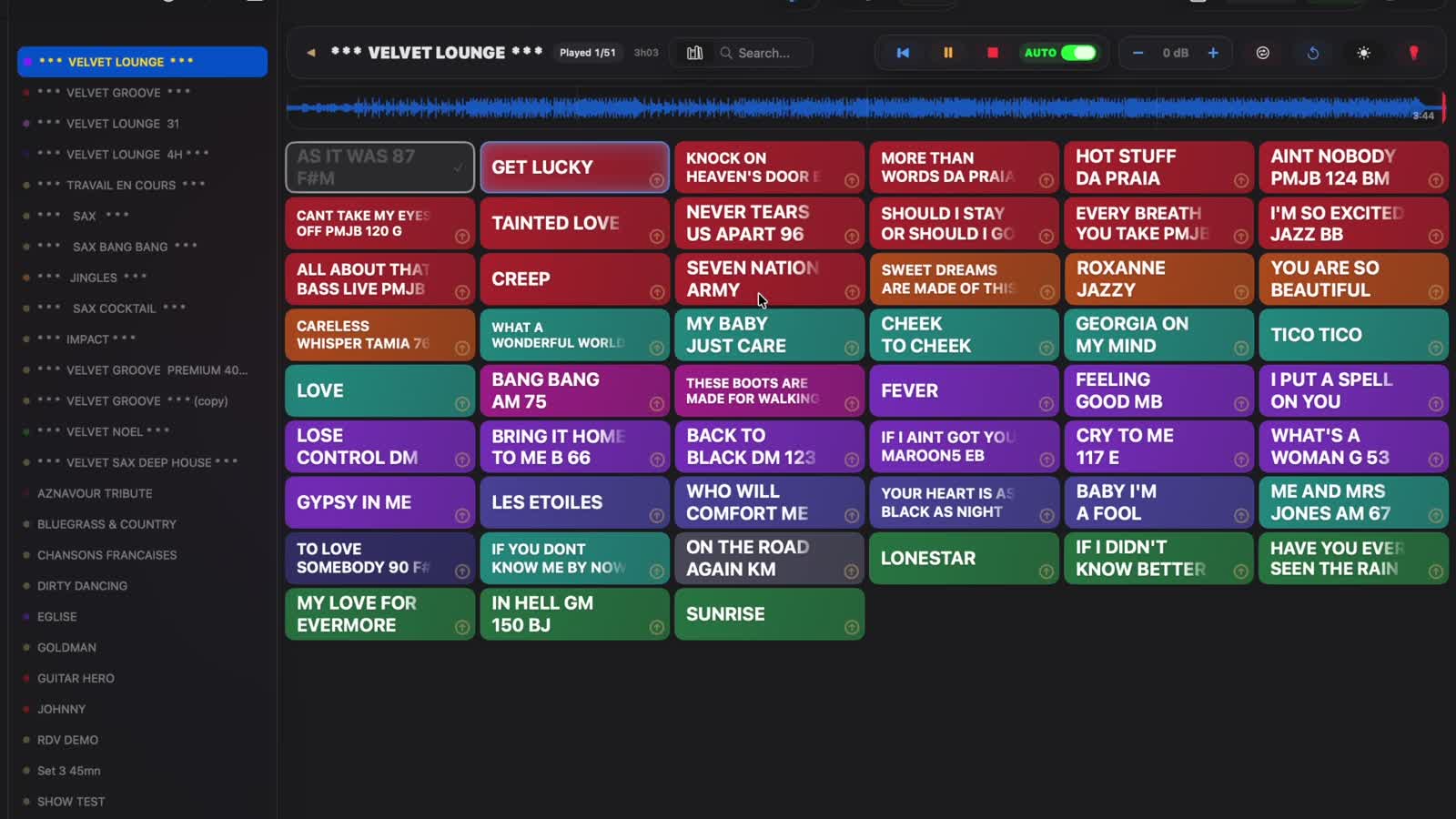
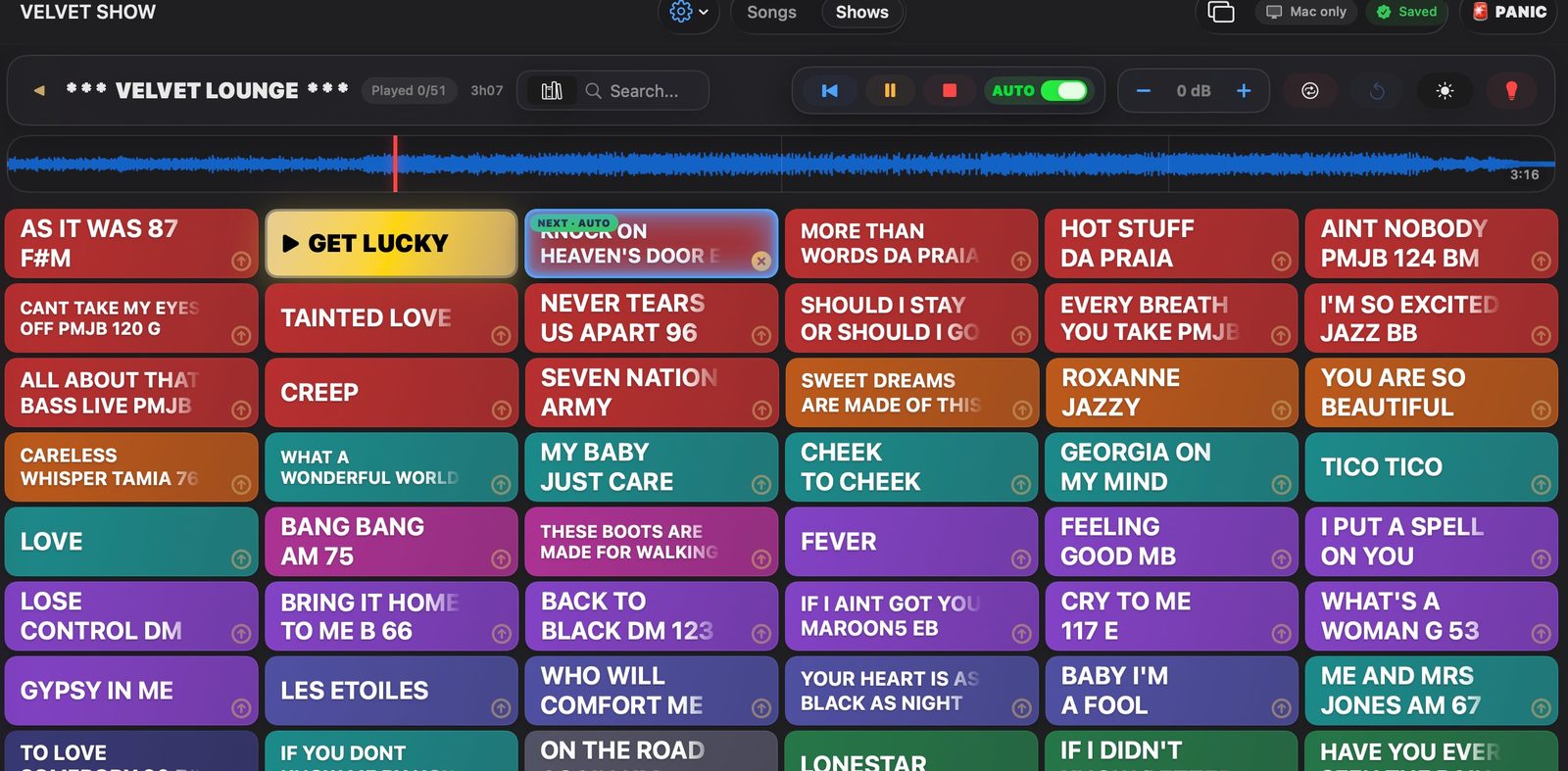
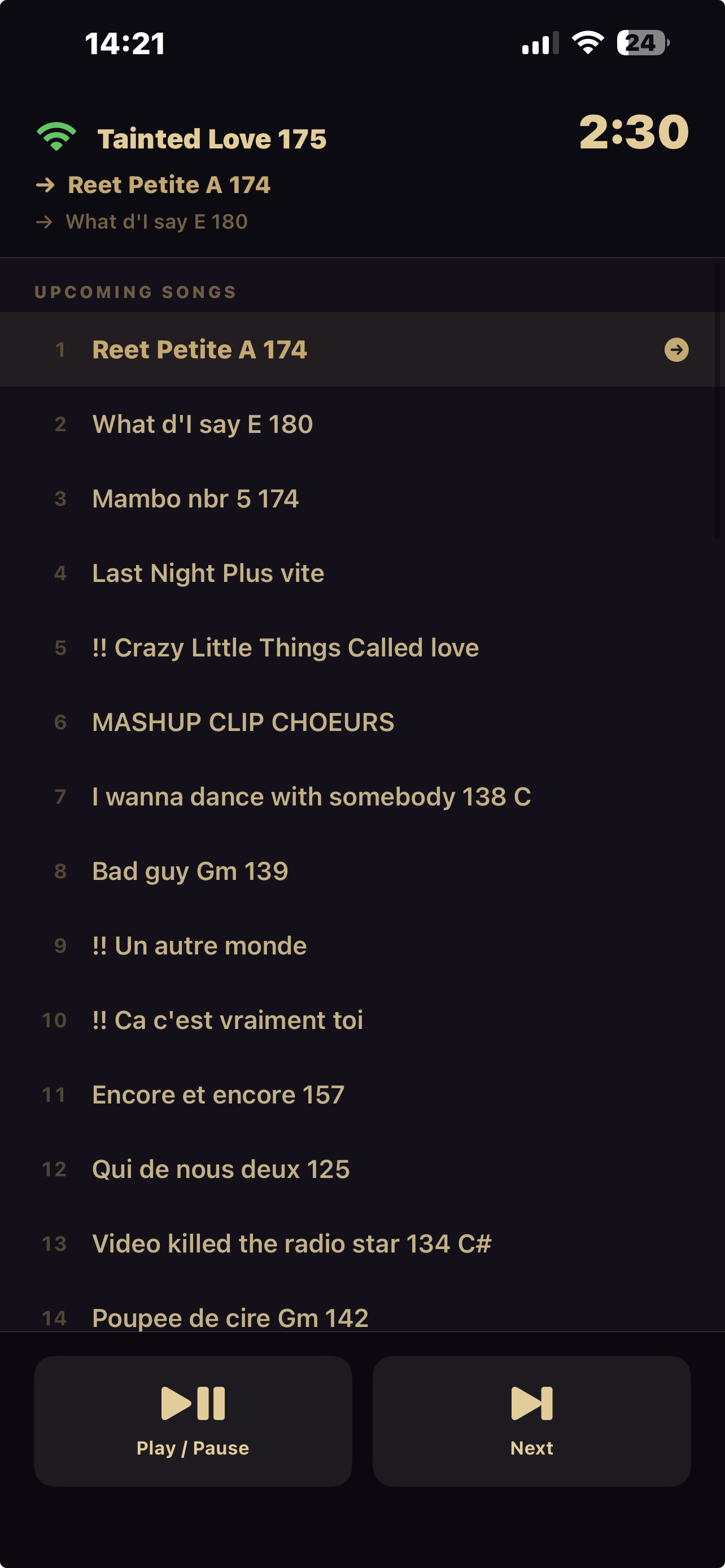
Import your songs and backing tracks, group them into shows, and arrange your setlist by drag and drop. Color-coded songs make scanning a 50-track lounge set effortless from the stage — launch the next one with a single tap.
Stage Notes & Lyrics
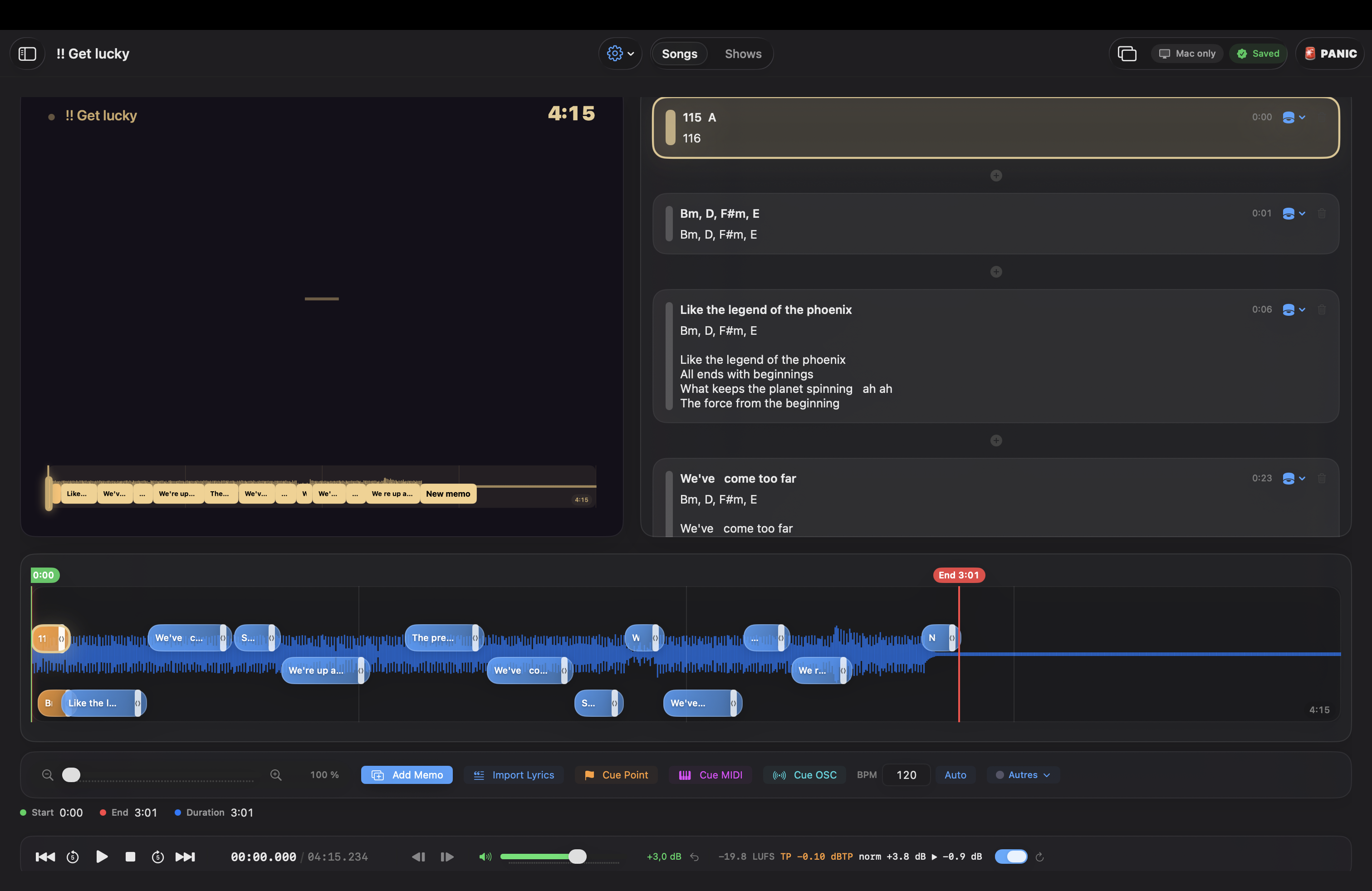
Lyrics, chords, reminders and stage directions are timed to the waveform and surface automatically as the song plays. No more sticky notes on the monitor, no more scrolling a PDF mid-song.
Automatic MIDI Cues
Place MIDI cues anywhere in a song and Velvet Show fires them automatically during playback — switching scenes, triggering blackouts, or starting a video loop without anyone touching a second controller.
Works with
▶ Knock On Heaven's Door E
Stage Screen
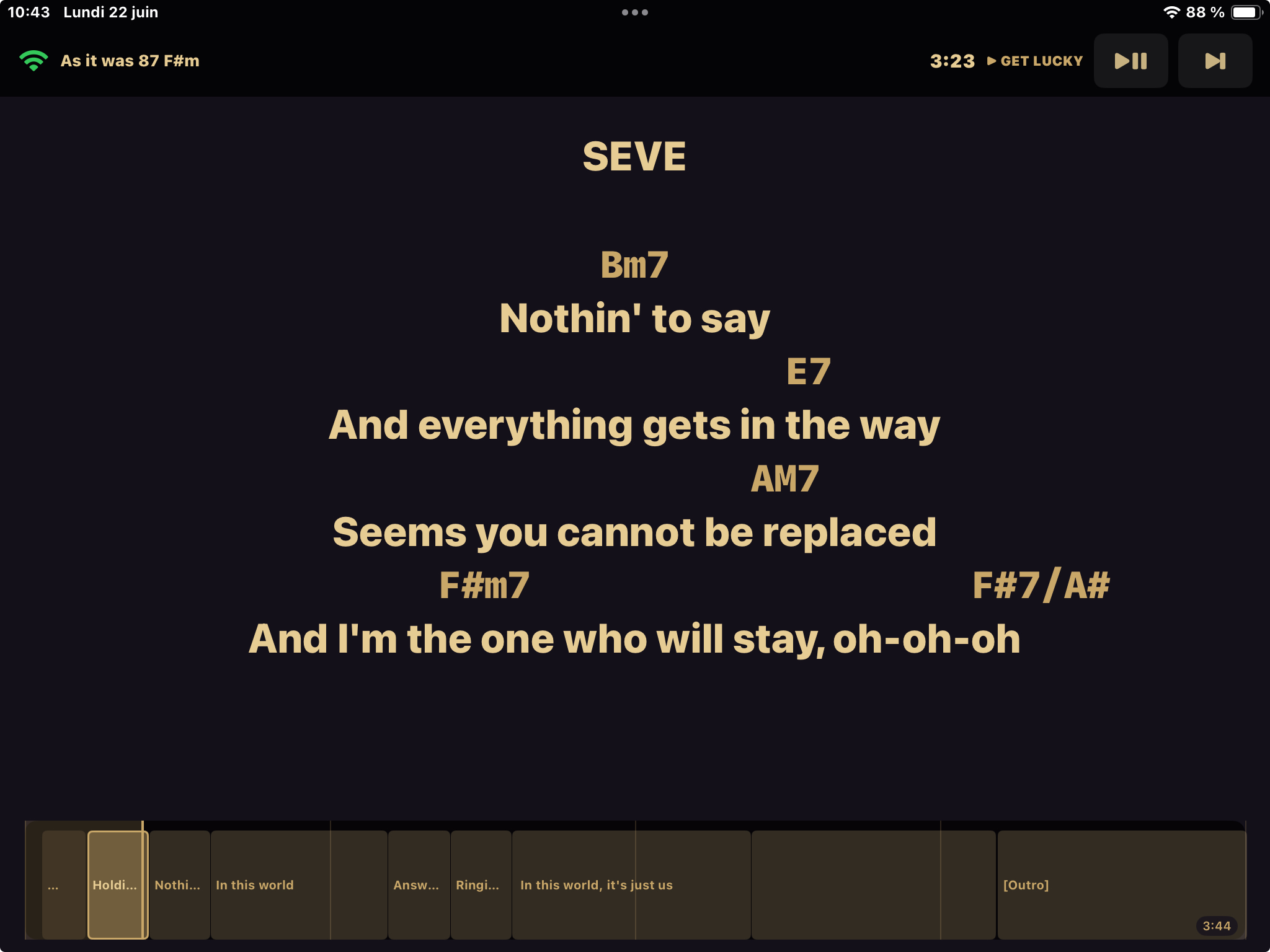
Send lyrics, chords and stage notes to an iPad, a second monitor, or a screen at the back of the stage. Large type, high contrast, zero distractions — readable from across the room under any lighting.
Panic Mode
If a string breaks, a cable comes loose, or the room needs a moment — press PANIC. The stage screen switches instantly to a calm safety display, audio stops, and the show pauses cleanly until you're ready to continue.
⌥ + ⌘ + P — bound to one key, reachable in the dark.
Smooth Transitions
Choose how one song moves into the next — fade, slow fade, or a filtered crossfade — and Velvet Show handles the timing. Built for the moments where the room's energy needs to shift without anyone noticing the seam.
Current: "Get Lucky"
Next: "Knock on heaven's door E"
Built for live musicians
Run backing tracks, lyrics and lighting cues without a second pair of hands.
Share one setlist, one stage screen, and one source of truth for the whole show.
Move between ceremony, cocktail and dancefloor with smooth, automatic transitions.
Sync MIDI cues to lighting and video the way you would in QLab — without the rig.
Coming from ShowBuddy, Stage Traxx, BandHelper or a QLab-style workflow? Velvet Show keeps what worked and removes what didn't.
Join the Beta
Download the macOS beta and run the guided demo show — no account, no App Store, no commitment. Prefer to be notified about future builds first? Leave your details below.
Distributed directly from the official Velvet Show beta channel.